Read the Bible in a year.
Actually remember it.
A chronological journey through Scripture, in the order the events happened. Each of the 365 days gives you the passage, a written prayer, a coloring page, three reflection prompts, a word search, and trivia.
Day one is whichever day you begin — no waiting for January.
One passage. Six ways to meet it.
Most of what you read once, you lose. So Chronicles takes a single passage and comes at it from six directions — every activity below is built from that day's reading, not bolted on beside it.
Read
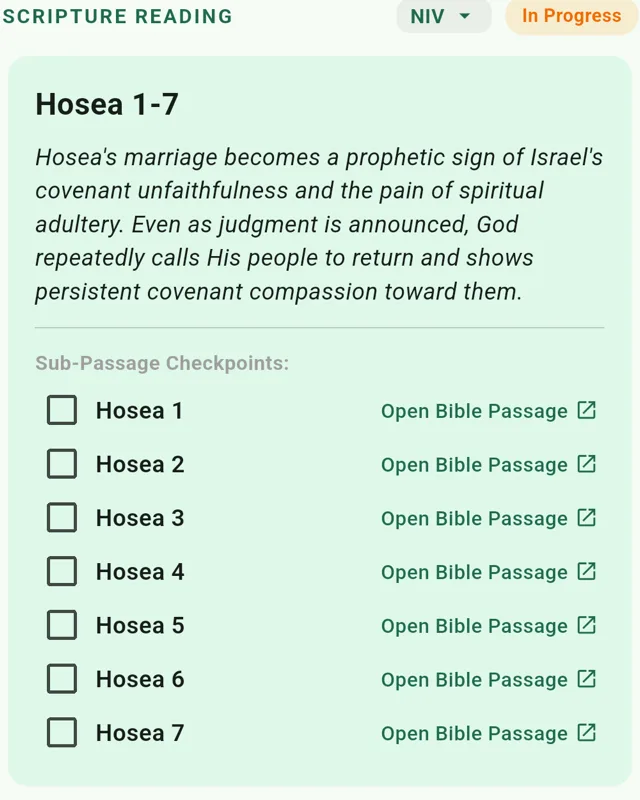
The day's passage in chronological order, chapter by chapter, with a short summary to set the scene. Choose your translation once — fourteen of them, two written for younger readers — and every scripture link opens there, right down to the references inside your own journal notes.
Pray
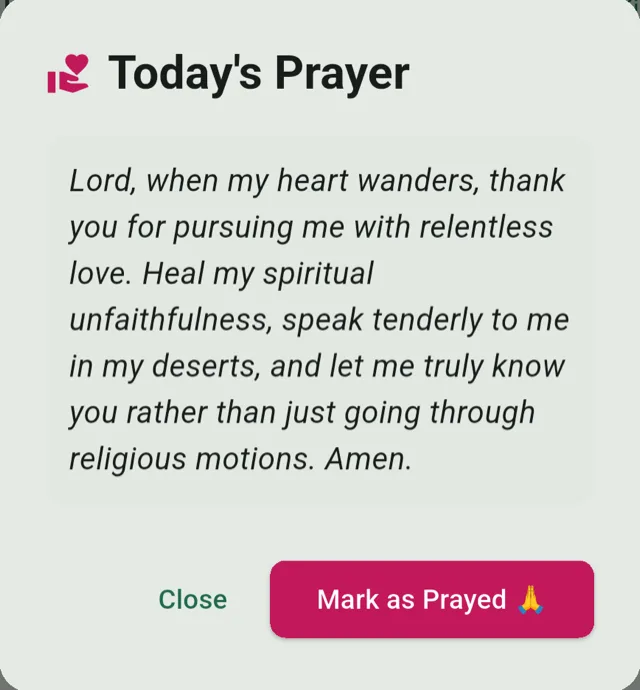
A written prayer drawn from the passage you just read, so the day starts as a conversation rather than an assignment.
Color
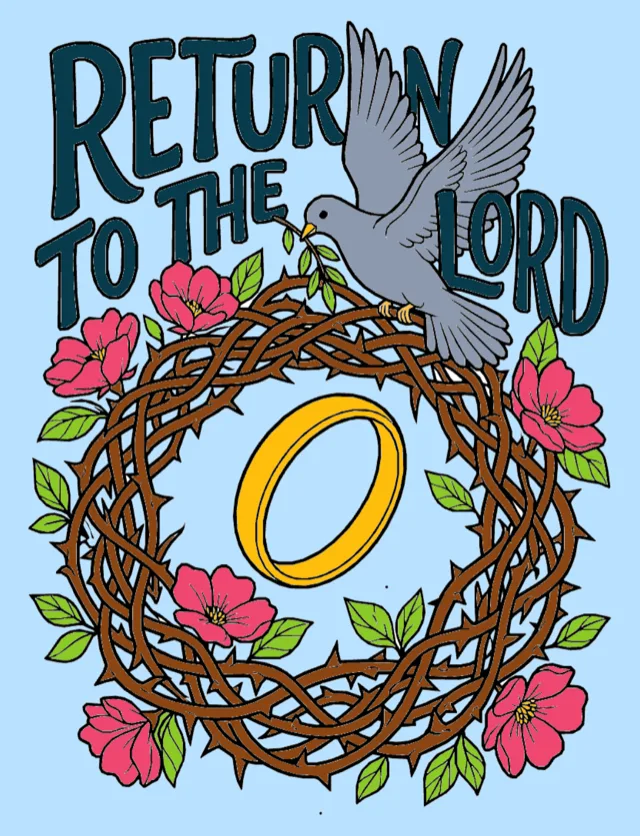
An adult coloring page drawn for that passage, with bold line art and lettering built into the illustration. Dozens of palettes, or mix your own.
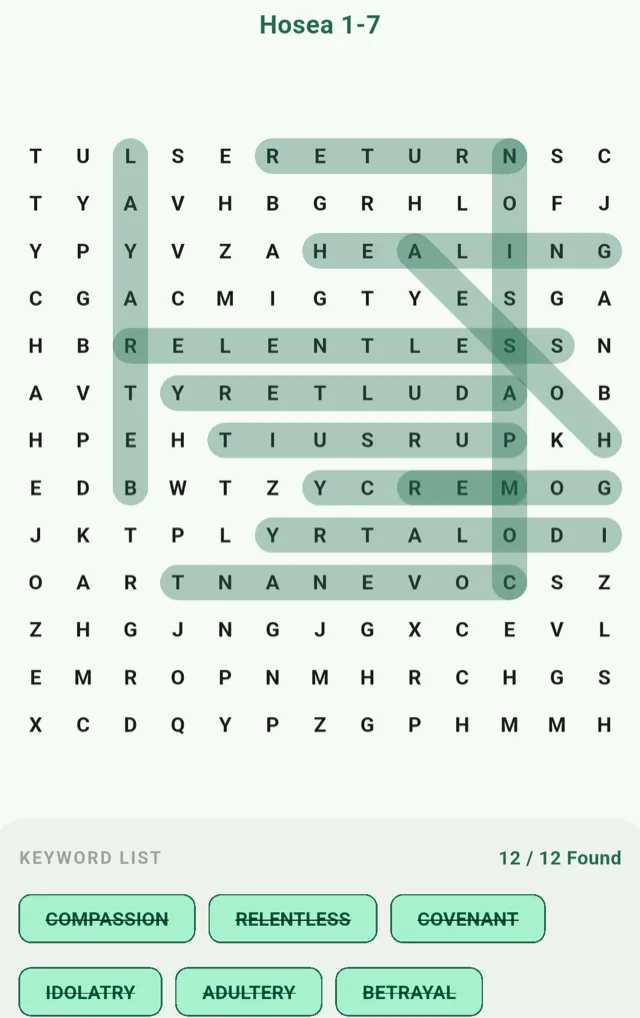
Word Search
A word search built from the day's key words — a quieter way to sit with the language of the text and let the vocabulary settle.
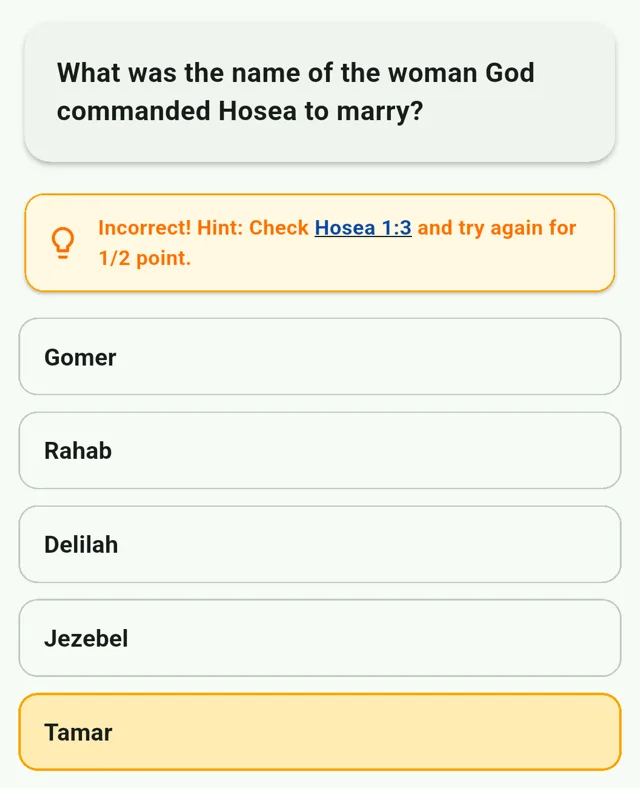
Trivia
Five questions on what you read. Miss one and you get the chapter and verse to go check, then half credit for getting it right on your own.
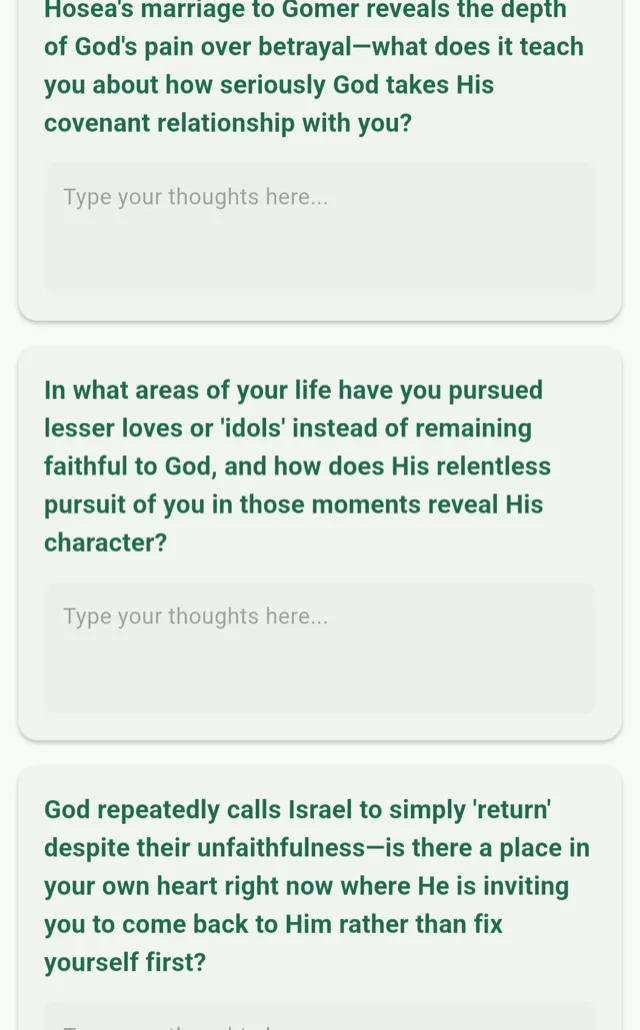
Reflect
Last, once the passage has had all day to sink in: three reflection prompts about God's character, where you have wandered, and what the reading asks of you now.
Why six things and not one
Reading a chapter engages one part of you, and by Thursday most of it is foggy. Coloring the scene puts it in front of your eyes. Hunting its words on a grid makes you handle the vocabulary. Being asked a question you get wrong — and sent back to the verse to find out why — is what makes it stay. Each pass leaves a different kind of trace, and together they hold.
Remembering is not the goal, though. It is what the goal runs on. Scripture you actually carry is Scripture you can pray at two in the morning, bring into a hard conversation, and return to when you need it most. The point of finishing the year is not the count on the screen. It is knowing God better at the end of the year than at the start of it.
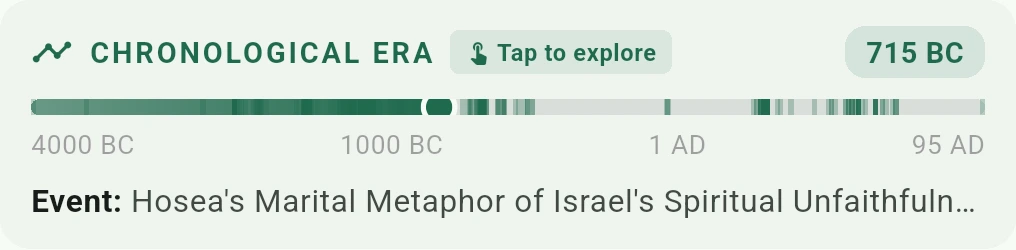
You always know where you are in the story
Chronicles moves through Scripture in the order the events happened, so the prophets land inside the reigns they were speaking into. Every day shows you your place on the timeline and names the moment you have reached.
Your journal stays yours
Your reflections, artwork, and progress are saved on your device by default. Chronicles processes account and purchase information needed for sign-in, entitlement, support, and billing, but does not sell your personal data or use private journal responses for advertising or profiling.
Optional Cloud Sync stores synced data, including email address, user ID, and purchase information, in your personal Google Drive account. Chronicles cannot access those backup files. Saved local data and included activities can be used without a network; Bible passage retrieval, sync, purchases, and code redemption require internet access.
A year of this becomes something worth keeping
By the end of your year you have written several hundred reflections and coloured a year of artwork. Chronicles treats that as an archive you own, not entries locked in an app.
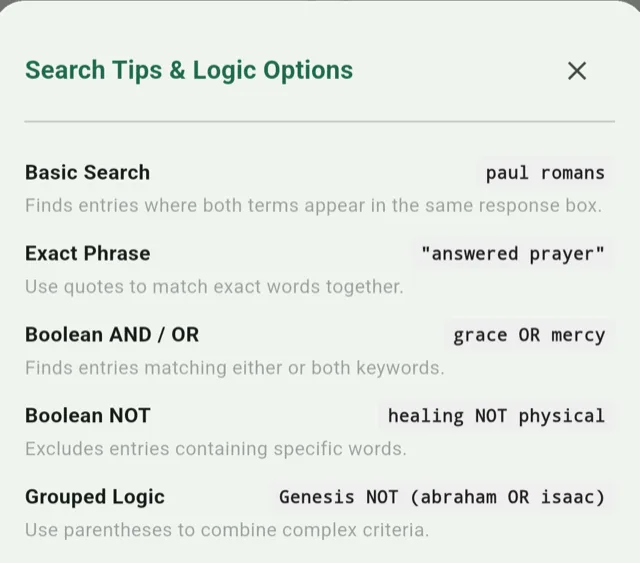
Search everything you have written
Find the day you wrote about a fear you have since watched God answer. The search takes
exact phrases in quotes, AND / OR / NOT, and
parentheses for grouping — so Genesis NOT (abraham OR isaac) does
what it looks like it does. It searches your prayers, your notes, and the scriptures
alongside them.
Print it, or take it with you
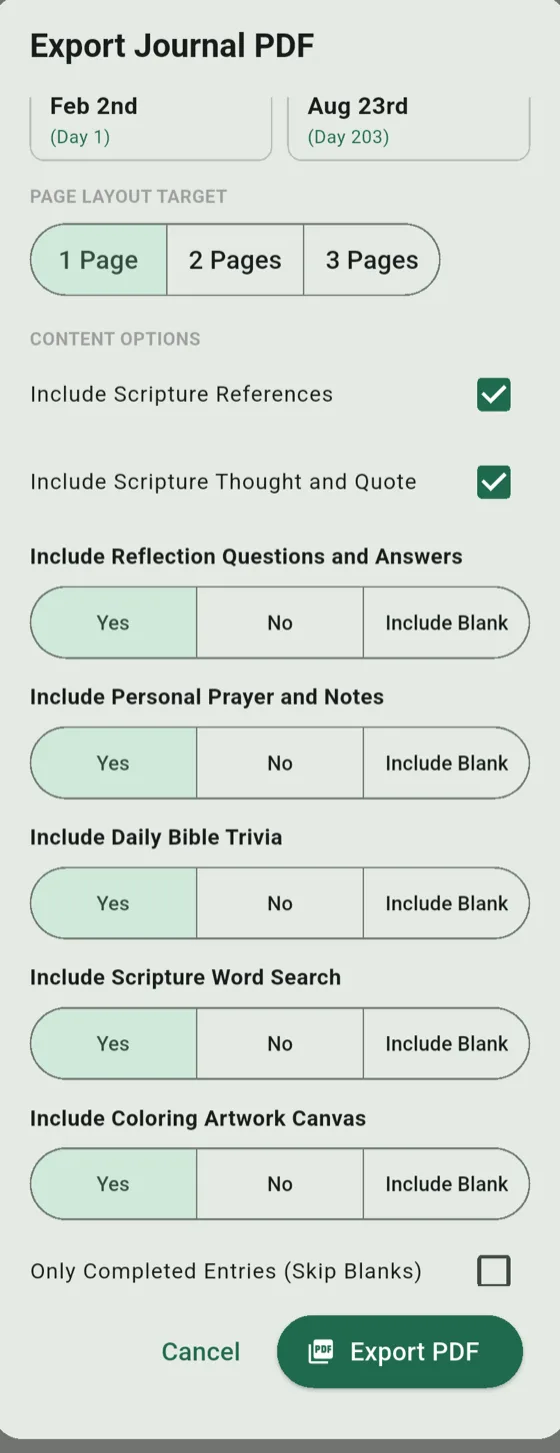
Export any day or any stretch of days to PDF, and choose what goes in: scripture references, the thought and quote, your reflections, your prayers and notes, the trivia, the word search, and the coloring artwork itself. Keep the blank days or skip them. A finished year prints as a book.
Go through it together
Churches, schools, small groups, and ministries can buy a batch of one-year seats at a per-seat rate. Every seat is its own individual code to hand out — not one shared login — and you get a link to watch redemptions come in.
Because each person picks their own translation, a group spanning several ages still works through the same day's passage together: the younger readers on the International Children's Bible or the New International Reader's Version, everyone else on whatever they already read.
Questions?
The support page covers choosing your starting day, redeeming an access code, syncing across devices, and managing your data. If it isn't answered there, email support@127evergreenlanechronicles.com.